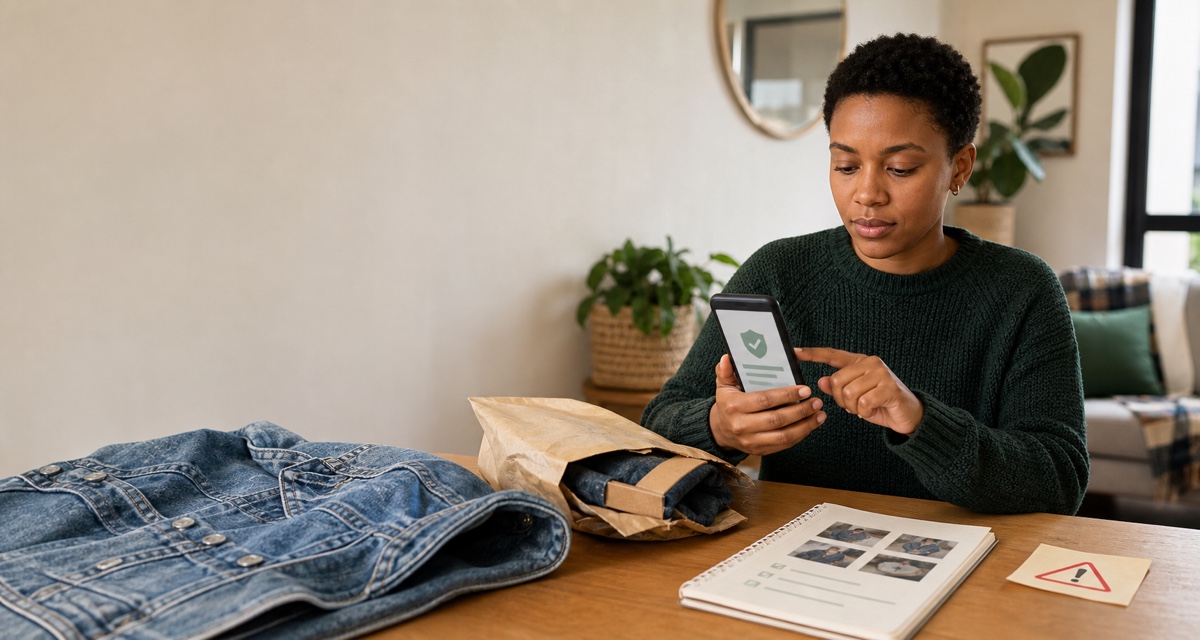
A strong practical rule for an online sale is simple: verify every important step inside the genuine platform, bank or courier channel before money or goods move. A payment screenshot is not cleared money. An unknown QR code should not be treated as a requirement for receiving payment. Urgency is not a reason to skip a check.
No online transaction is risk-free. A protected marketplace checkout can reduce specific risks, but only while you follow its real payment, messaging and delivery process. It does not make every user honest, every item genuine or every loss automatically refundable.
The one-minute safety check
Before paying, shipping or meeting, stop if any of these is true:
- the other person wants to move the conversation away from the marketplace immediately;
- you are sent a payment, login, refund or courier link you did not request;
- someone says you must scan a QR code, enter an OTP or share a verification code to receive money;
- the buyer shows a screenshot but the genuine marketplace order does not show the required paid status or, for a direct bank transfer, your bank has not confirmed the deposit as valid and cleared;
- the seller demands an urgent deposit before you can verify the item;
- an overpayment must supposedly be refunded to a different account;
- the courier, payment amount or collection location changes at the last moment; or
- the deal is far below the normal price and the person is pressuring you to act now.
These signs do not prove fraud individually. They mean the transaction needs an independent check before it continues.
A safer flow for sellers
1. Keep the order inside the protected process
If you chose a marketplace because it offers held payment, messaging, tracking or a dispute process, use those exact features. A private EFT, cash-send request or unfamiliar checkout link may sit outside the protection you thought you had.
Open the marketplace from your own bookmark or app. Do not trust a buyer-supplied “seller verification” page simply because it carries a familiar logo. South African Police Service guidance on phishing recommends navigating to an organisation’s site yourself and confirming uncertain messages through its official contact channel, rather than following the link in the message (SAPS phishing guidance).
Keep material conversations in the order chat where possible. If a dispute occurs, a clear record of the agreed item, price, condition, delivery method and tracking number is more useful than fragments spread across several apps.
On Vakoop, buyer payment enters the platform's Buyer Protection Hold, and seller payout occurs only when the applicable release conditions are met. Vakoop calls this a Buyer Protection Hold; this guide does not present it as regulated escrow. A transaction moved outside Vakoop falls outside Vakoop Buyer Protection. Review the current Vakoop terms and returns and protection process before agreeing to a different payment, message or delivery route.
2. Treat proof of payment as a claim, not confirmation
A PDF, email, SMS or screenshot can look convincing and still be false. In its 19 August 2026 marketplace warning, SAPS said electronic proofs and screenshots can be altered and advised recipients to confirm independently that funds have reflected before releasing goods.
For a marketplace checkout, use the status inside the genuine order—not a buyer's screenshot—as the signal that the platform accepted the buyer's payment and is instructing you to continue. Follow that order's dispatch and handover steps; a seller may not receive a held payment into their bank before shipping.
For a direct bank transfer outside a held marketplace checkout, check through your own banking app or website and do not use a telephone number or link contained in the supposed proof. FNB's fraud guidance describes fake confirmations used to persuade sellers to release goods. SABRIC's deposit-and-refund guidance says to verify a deposit with the bank, wait for payments to clear before releasing goods, and not issue a refund until the bank has validated the deposit.
A visible balance entry or notification is not an absolute promise that no later dispute, recall request or fraud investigation is possible. If a direct payment is high-value, unusual or unclear, ask your bank through its official fraud or support channel what the status means before handing over the item.
3. Never share a code that approves access or a transaction
A buyer does not need your banking PIN, password or one-time password to pay you. Do not read an OTP aloud, type it into a page sent in chat, approve an unfamiliar login or accept an app prompt you do not understand.
The same caution applies to QR codes. SAPS’s August 2026 warning says people should not scan a code merely because an unknown person claims it is necessary to receive money, claim a refund or finish a transaction. First establish what the code does through the genuine service.
If a message says your account will be blocked unless you act instantly, close the message and contact the organisation using the number or address on its official site.
4. Verify courier instructions separately
A common story is that a buyer has already arranged a courier and the seller only needs to pay a release, insurance or verification charge. Another version sends a courier page that asks for card or banking credentials.
Do not assume a courier message is legitimate because it includes your name, listing photograph or address. Open the courier’s official website yourself, enter the tracking number there and use its published support details if anything is unclear. Compare the instruction with the marketplace order screen. A driver waiting outside is not a reason to hand over an unpaid parcel.
Before sealing the parcel:
- photograph the actual item, including disclosed flaws;
- photograph it inside the packaging;
- retain the waybill, drop-off receipt and tracking number; and
- mark it shipped only through the real order flow.
That evidence does not guarantee a successful claim, but it records what you sent and how you sent it.
5. Stop overpayment and refund loops
In a refund scam, someone appears to pay too much and asks the seller to send the difference to another account. FNB warns that the incoming amount may be a cheque deposit or otherwise not what it appears to be (FNB fraud types).
Do not send a separate “refund” because a stranger creates urgency. Contact your bank or the marketplace through its official channel and let the original payment be investigated or reversed through the proper process. Do not allow the buyer to nominate a different recipient for the return.
A safer flow for buyers
1. Verify the seller and the item
Look at the account history, listing detail, price, photographs and consistency of the seller’s answers. A new profile is not automatically fraudulent, but it provides less history to assess. Ask for current photographs of the actual item and close-ups of labels, flaws or identifying details where relevant.
Be especially careful when a popular item is advertised far below the normal market price. Capitec’s online-marketplace safety advice recommends checking profiles and reviews, treating unusually cheap offers cautiously and keeping the conversation on the marketplace.
For branded items, documents and serial details can support a claim, but a photograph or receipt can also be copied. Do not describe a platform listing as independently authenticated unless the platform has actually provided that service for the specific item.
2. Use the genuine checkout and delivery option
Where a marketplace offers buyer protection, read what it covers, the evidence required and the deadline for reporting a problem. Pay through the checkout you opened yourself, not through a link sent in chat.
SAPS’s 4 May 2026 warning advises using reputable secure platforms with buyer protection where possible and avoiding upfront payments before the item has been verified. For a remote clothing purchase, physical inspection may not be possible before payment; detailed actual-item photographs, tracked delivery and a documented protected checkout become more important.
Do not click “received”, “complete” or “release funds” until the parcel has arrived and you have checked it within the platform’s stated inspection period.
On Vakoop, report a problem immediately, before selecting Confirm Delivery and before the deadline shown in the order. Keep the listing photographs and description, in-app messages, tracking and photographs of the item received. For local pickup, use Vakoop’s proof flow: the buyer uploads handover proof, the seller approves or rejects it, and the buyer confirms receipt. Do not replace those steps with a private message saying the handover is complete.
3. Reject pressure and changing stories
Pause when the seller suddenly changes the bank account, delivery method, collection point or price. The same applies when a supposed support agent joins the conversation and asks for credentials or another payment.
Use the contact details published by the platform, bank or courier to check the story. Do not use the number the stranger provided as your only source of verification.
Meeting a buyer or seller in person
Remote delivery avoids some meeting risks, but sometimes collection is the practical option. Current SAPS guidance advises people not to meet unknown buyers or sellers in secluded or unfamiliar places, recommends a known, busy public location and says a police station can be considered where appropriate.
For a handover:
- meet in daylight where other people and cameras are present;
- tell someone where you are going and share the plan;
- do not change to an isolated location at the last minute;
- avoid exposing a home address for a small portable item when a public exchange will work;
- take only the item and information needed for that transaction; and
- verify payment before the item leaves your control.
If the situation changes or feels unsafe, leave. Missing a sale is better than entering an uncontrolled situation.
What marketplace protection does—and does not—mean
Protection is a set of contract terms and processes, not a safety guarantee. Depending on the marketplace, it may hold payment until delivery, require tracked shipping, provide an inspection window or review evidence in a dispute.
It may not cover:
- payment or communication moved outside the platform;
- prohibited goods or an incorrectly described item;
- an in-person exchange completed outside the platform's required pickup and proof process;
- missed claim or shipping deadlines;
- loss outside the nominated delivery method;
- every type of courier damage; or
- dissatisfaction that is not covered by the return policy.
Read the current policy before the transaction, not after the problem. Save the listing and applicable order terms. Our South African selling-platform comparison explains why payment flow and buyer total should be checked separately from the item price.
If you think you have been scammed
Act promptly without deleting the conversation.
- Contact the bank immediately if money, cards, banking credentials, an OTP or an approval prompt were involved. Use the bank's official channel, explain exactly what happened and ask what can still be stopped, secured or investigated. Contact the marketplace in parallel through its genuine support route.
- Secure affected accounts. Change compromised passwords from a trusted device and follow the bank or platform’s instructions. If you shared a code or approved a login, say so clearly.
- Preserve evidence. SAPS advises retaining the advert, profile, phone numbers, messages, banking details and proof of transactions. Also keep the order page, waybill, courier tracking, parcel photographs and a timeline.
- Report the matter. The same SAPS warning says suspected fraudulent activity should be reported to the nearest police station. Obtain and retain the case information supplied to you.
- Report the account or listing to the platform. This may help it preserve records and reduce further harm, but it is not a substitute for contacting the bank or police where money or goods were stolen.
On Vakoop, current listing-report reasons include Misleading photos, Misleading description, Scam / fraud, Prohibited item and other listed reasons. Users can also block an account. If the order or reporting controls do not resolve the issue, use the official Vakoop contact route.
Do not confront a suspected scammer in person or pay another stranger who claims they can recover the money for an upfront fee.
Frequently asked questions
Is a proof-of-payment screenshot enough before I send an item?
No. Confirm the payment independently in the genuine marketplace order or through your own bank. A screenshot can be altered. Even after funds appear, follow the bank and platform’s current instructions for the transaction.
Do I need to scan a buyer’s QR code to receive money?
Do not scan an unknown code simply because a buyer says it releases payment or a refund. Verify the required process in the genuine service first. Never enter a PIN, password or OTP into a page opened from an untrusted code.
Is an online marketplace transaction completely safe if it has buyer protection?
No. Protection can reduce particular risks when its rules are followed, but exclusions, evidence requirements and deadlines apply. It cannot guarantee that every user, listing, courier event or payment is legitimate.
What evidence should an online seller keep?
Keep the listing, order status, material messages, payment record, photographs of the item and packaging, waybill, drop-off receipt and tracking. If fraud is suspected, preserve the other party’s profile, phone number and bank details rather than deleting the chat.