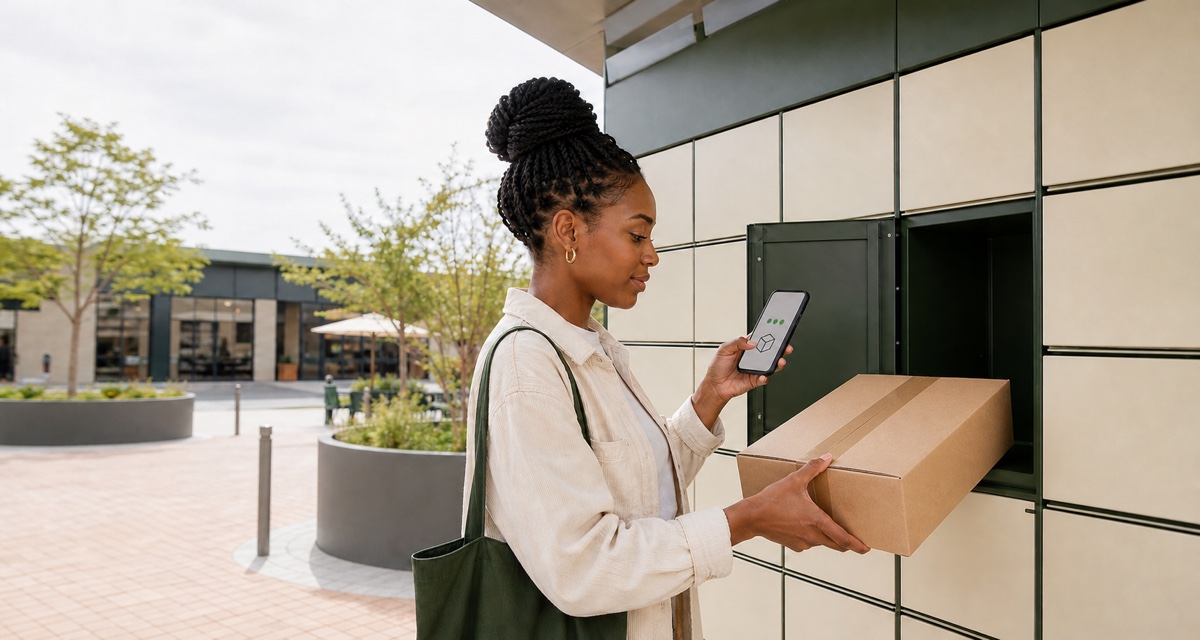
To send sold clothing through a PUDO locker, first follow the delivery method shown on the paid order. Clean and inspect the item, record its condition, protect it from moisture, seal it in a suitable mailer or box, and measure the final parcel. Then use the booking details, PIN, QR code or label issued for that specific shipment, close the locker door securely, keep proof of drop-off and track the waybill.
The detail that prevents mistakes is knowing which instructions belong to your order.
Before packing: confirm the sale and shipping method
Do not ship because someone sends a payment screenshot, an email link or a direct message saying they paid. Open the marketplace or payment flow yourself and confirm that the order is paid and ready for dispatch.
On Vakoop, use the delivery method in the order. The current seller terms say to dispatch within the platform timeframe, typically three business days, package securely and provide tracking. Review how a Vakoop sale works and the seller and delivery answers.
Vakoop currently enables an in-order PUDO booking flow for eligible paid locker-to-locker orders. The seller still has to open the order, confirm the packed size and complete Confirm size & Book; the purchase itself is not proof that the courier booking succeeded. A successful booking supplies the order's tracking and label/waybill details. Other routes and unsupported order states remain in the manual shipment flow.
Use only the booking, label, PIN, QR or tracking reference attached to the confirmed order. Ask support before creating a separate direct booking; a duplicate can separate the order from its tracking.
Use the recipient, destination locker and service shown in the confirmed order. Do not change the delivery method through an informal chat after payment.
Step 1: clean, dry and recheck the item
Send the item in the condition the buyer purchased.
- Read the listing and buyer messages again.
- Check the brand, size, colour and included pieces.
- Inspect the same flaws shown in the listing and look for any new mark or damage.
- Clean the item according to its care label where appropriate.
- Let it dry completely before packing.
Do not seal damp clothing. Moisture and a closed parcel are a bad combination. Avoid spraying perfume to create a “fresh” smell; fragrance can be unpleasant or a sensitivity issue for the buyer. Remove loose lint and empty every pocket.
If the condition has changed since the listing photos, pause. Tell the buyer through the marketplace and use its resolution process. Do not hide a new stain, tear or missing button inside the parcel.
Step 2: make a private condition record
Before folding, take a short set of dated photographs or one continuous video for your order file:
- the full front and back;
- the brand, care and size labels;
- each disclosed flaw;
- any included belt, hood, laces or accessory;
- the clean item going into the inner bag; and
- the sealed outer parcel and shipment reference.
This record cannot guarantee a claim outcome. Keep it private; never post the buyer's details, waybill or locker code publicly.
Step 3: add a waterproof inner layer
Put the folded garment into a clean, sealable inner bag before it goes into the courier mailer or box. Press out excess air without crushing structured fabric, then close the inner bag fully.
The inner layer adds moisture protection and can help contain a loose button or small accessory if the outer packaging is damaged. It does not make the shipment waterproof or guarantee that the garment will arrive undamaged.
For a multi-item order, either place the full folded stack in one appropriately sized inner bag or separate pieces when colour transfer, hardware or delicate fabric creates a risk. Do not use pins or staples that can catch the clothing.
Step 4: choose a mailer or a box
Choose the outer package for the actual item, not for the lowest-looking booking option.
Use a strong courier mailer when
- the contents are soft clothing with no rigid or sharp parts;
- the sealed garment fits without straining the seams;
- the carrier and selected service accept that mailer; and
- the label or written details will remain flat and readable.
A thin grocery bag is not a courier mailer. If a zip, buckle or hanger could puncture the plastic, protect it or choose a box.
Use a sturdy box when
- the item must keep its shape, such as a hat or structured jacket;
- you are sending shoes, a handbag or several heavy garments;
- rigid hardware could tear a mailer; or
- the order includes original packaging that the buyer expects to receive undamaged.
The Courier Guy's packaging guide recommends a sound box with intact flaps, protection against movement, strong tape and removal of old labels. Fill empty space without choosing an unnecessarily large box.
Seal every opening. A thank-you note is optional; secure, accurate fulfilment is not.
Step 5: weigh and measure the final parcel
Folded garment measurements are for the buyer. Packed parcel measurements are for the courier. Do not reuse one for the other.
After sealing the outer package:
- weigh the complete parcel, including packaging;
- measure the longest outside length;
- measure the widest outside width;
- measure the highest outside depth; and
- round as the booking interface instructs, not down to make the parcel appear smaller.
Couriers can compare actual mass with volumetric, or dimensional, mass. The general calculation is parcel length × width × height divided by the factor for that service. The factor is not universal: The Courier Guy's official One Rate document shows that service types can use different volumetric factors. Locker services may instead quote by a compartment or parcel-size category.
Enter the final packed dimensions and mass in the live quote, choose a size the sealed parcel fits, and read the service-specific amount before paying.
Rates and sizes checked 26 August 2026: This guide deliberately does not publish a locker price or dimension table. PUDO and The Courier Guy can change rates, compartments, limits and upgrade charges. Measure first and use the current booking quote for the route and account you are using.
Step 6: create or retrieve the correct booking
There are two legitimate starting points:
- Marketplace-issued shipment: open the paid order and retrieve whichever booking reference, label, PIN, QR code, tracking number and drop-off instructions it actually provides.
- Direct PUDO booking: use the official PUDO app or website only when your order requires you to arrange it yourself.
PUDO's older first-party how-to and FAQ URLs now redirect to The Courier Guy's locker site. Do not rely on an old screenshot or cached price table. The Courier Guy's current locker FAQ says a direct sender registers or logs in, funds or pays for the shipment, creates it, and then uses the issued PIN or QR code at the chosen locker. Its current terms require the sender, recipient, destination and contact details on the parcel. Use the wording on the interface that issued your shipment; do not combine a code from one booking with a label from another.
Verify:
- recipient name and mobile number;
- destination locker or full delivery address;
- parcel size and mass;
- sender details;
- waybill or shipment reference;
- label or written details required for that service; and
- the exact drop-off locker or allowed drop-off network.
Before sending a valuable parcel, read the current carrier terms. The Courier Guy's terms say its insurance and assumption-of-liability provisions do not apply to Courier Locker services and list second-hand consignments among liability exclusions. That is a liability rule, not a statement that every second-hand garment is a prohibited item. Tracking itself is not insurance or full replacement-value cover.
Step 7: label the parcel without exposing the access code
If the order provides a printable label, attach the correct label flat to the outer packaging and keep every barcode clear. Cover or remove old barcodes and addresses on a reused box.
If the flow is paperless, follow its instructions for writing booking and destination details. Protect the writing from rubbing or moisture. Confirm the booking's requirements instead of improvising when no printer is available.
The locker-access PIN or QR code is a key, not decoration for the parcel. Keep it in the app, order or message that issued it. The Courier Guy warns that anyone with the collection PIN can access the parcel, so share it only through the intended secure flow.
Step 8: drop off and close the locker correctly
Take the sealed parcel, your phone and the booking details to a locker allowed by that booking. The direct provider flow uses the chosen drop-off locker. Vakoop's current eligible locker-to-locker flow instead labels the collection point generically and tells the seller they may drop the booked parcel at any PUDO locker. Do not generalise either rule to a different service. Check access hours before travelling: The Courier Guy's current FAQ describes lockers as available around the clock but qualifies that shopping-centre lockers follow centre hours.
At a current The Courier Guy locker, its official FAQ instructs the sender to wake the screen, choose DROP OFF, enter the PIN or scan the QR code, place the parcel inside and close the door securely.
Before closing the door:
- confirm it is the correct booking;
- place only the parcel assigned to that compartment;
- make sure no packaging is trapped in the door; and
- do not force an oversized parcel into the space.
Wait for the screen, app, email or order to record the drop-off. If the wrong door opens, the locker is offline or the parcel does not fit, use the live help or contact the provider. Never leave it beside the locker.
Step 9: keep proof and connect the tracking
Retain these private records until the order is completed and any platform dispute period has passed:
- booking confirmation and amount;
- waybill or shipment number;
- photograph of the sealed parcel;
- label or written shipment details;
- locker, date and time of drop-off;
- drop-off confirmation or receipt; and
- the parcel's tracking events.
The Courier Guy says online tracking uses the waybill number and may send shipment notifications. Add or confirm the tracking reference in the marketplace order if its workflow requires that step.
The current direct-provider FAQ says the recipient uses a PIN or QR code to collect. Marketplace-integrated messages can differ, so use the actual order and provider notification. The Courier Guy's current FAQ and terms publish conflicting collection periods, so follow the deadline in that live notification.
If something goes wrong
The parcel does not fit
Do not compress a structured item, split one booked parcel into two unbooked parcels or abandon it. Use the locker interface's supported size-change flow if offered, or contact the courier and marketplace. A different size can change the charge.
Tracking does not start
Check that the drop-off was completed, then use the correct waybill on the provider's official tracker. Keep the confirmation and contact the provider with the waybill. Tell the buyer through the marketplace; do not send them an unverified new payment or tracking link.
You used the wrong label or locker
Contact the courier immediately with both booking references and tell the marketplace. Do not create repeated bookings in the hope that one attaches itself to the order.
The buyer says the parcel is damaged or incomplete
Keep communication in the protected order flow. Provide the condition, packing and drop-off records when the platform asks. Do not pressure the buyer to confirm receipt before they inspect the parcel.
Frequently asked questions
Do I need to print a PUDO waybill?
Follow the exact instructions attached to the booking. Vakoop's current eligible locker-to-locker flow supplies a downloadable label/waybill after successful booking. Other direct or marketplace flows can differ, and the older PUDO FAQ URL now redirects, so do not assume that a cached “paperless” instruction applies to your shipment.
Can I send clothes in a plastic shopping bag?
Use a waterproof inner bag, then a strong sealed courier mailer or sound box suited to the packed item. An ordinary shopping bag is easy to tear and difficult to label securely.
Should I measure the clothes or the parcel?
Both, for different reasons. Put flat garment measurements in the listing for fit. Enter the sealed outer parcel's length, width, height and mass for the courier quote.
Can I choose any PUDO locker after booking?
It depends on the booking. The current direct-provider FAQ sends the customer to the chosen locker. Vakoop's current eligible locker-to-locker booking tells the seller to drop the booked parcel at any PUDO locker. Follow the instruction on your shipment rather than substituting one process for the other.
How long does the buyer have to collect?
Use the deadline in the live collection notification. Current first-party pages conflict, so this guide does not publish a universal collection window.
Does tracking insure second-hand clothes?
No. Tracking records parcel movement; tracking itself is not insurance. Current Courier Locker terms contain specific liability and second-hand-consignment exclusions, so read them before booking valuable, rare or irreplaceable clothing and do not assume reimbursement.
Pack for the journey, then follow one booking
A consistent routine reduces avoidable mistakes: confirm the paid order, recheck the item, record condition, add moisture protection, choose sound outer packaging, measure the sealed parcel, follow one set of booking details, close the locker and retain proof and tracking.